
Android Users Can Check Battery Health in Settings
Monitor battery condition, adjust charging habits and plan for replacement.
'%3E%3Crect%20width%3D'96'%20height%3D'96'%20fill%3D'%23B3261E'%2F%3E%3Ccircle%20cx%3D'30'%20cy%3D'24'%20r%3D'44'%20fill%3D'%23fff'%20opacity%3D'.12'%2F%3E%3Ccircle%20cx%3D'60'%20cy%3D'74'%20r%3D'40'%20fill%3D'%23000'%20opacity%3D'.10'%2F%3E%3C%2Fg%3E%3Cg%20fill%3D'%23fff'%3E%3Crect%20x%3D'29'%20y%3D'49'%20width%3D'8'%20height%3D'19'%20rx%3D'1'%2F%3E%3Crect%20x%3D'39'%20y%3D'40'%20width%3D'9'%20height%3D'28'%20rx%3D'1'%2F%3E%3Crect%20x%3D'50'%20y%3D'45'%20width%3D'8'%20height%3D'23'%20rx%3D'1'%2F%3E%3Crect%20x%3D'60'%20y%3D'53'%20width%3D'7'%20height%3D'15'%20rx%3D'1'%2F%3E%3Crect%20x%3D'41'%20y%3D'34'%20width%3D'5'%20height%3D'6'%2F%3E%3C%2Fg%3E%3C%2Fsvg%3E)
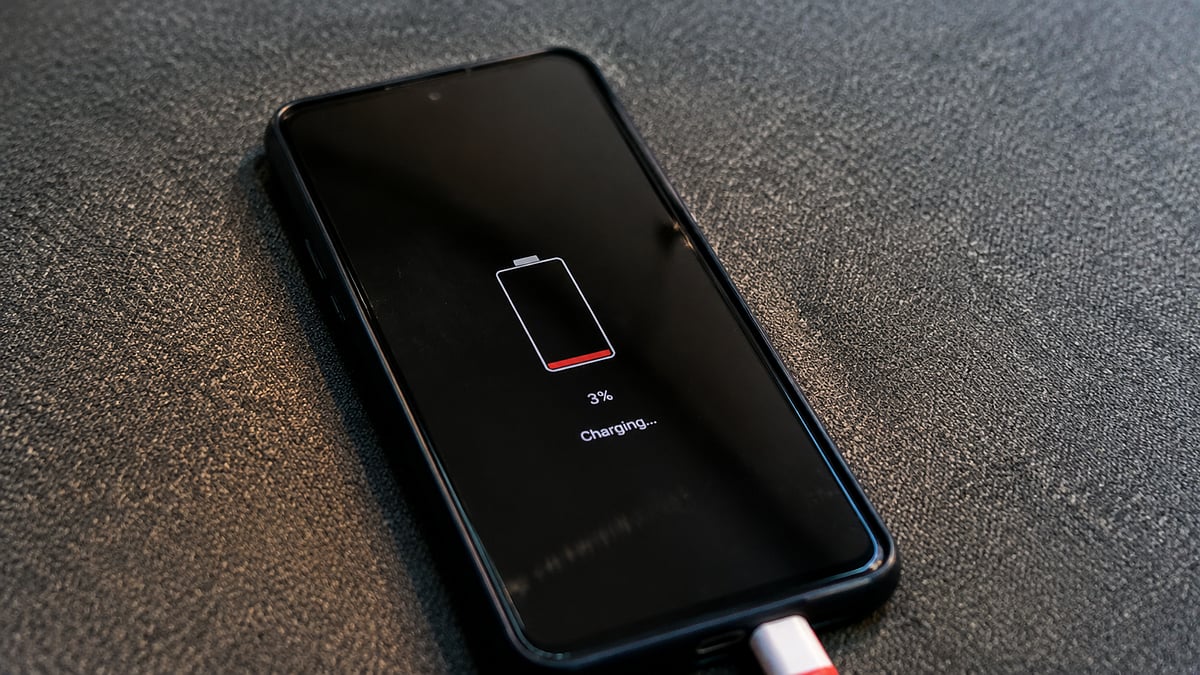
Android smartphone batteries naturally degrade over time due to charge cycles, affecting their capacity to hold charge. Google has introduced a feature allowing Android users to track this decline directly from their phone's Settings menu.
This feature serves several practical purposes, including showing the degree of battery degradation since purchase and the rate of decline. It also helps users adjust their charging habits to slow down the degradation process and plan for potential battery replacement. Additionally, checking battery health can influence a device's resale value.
To check battery health on an Android smartphone, users can follow these steps: open the Settings menu, scroll down to Battery and charging, tap Battery Health, and view the exact battery percentage under Battery capacity. Users can also access battery health tips and turn on Adaptive Charging from the same screen.
Android provides an estimated health percentage, calculated against the battery's original capacity when the phone was new. This estimation helps users understand their battery's condition and take necessary steps to preserve its life.
Google also outlines several ways to slow down battery degradation, including keeping software updated, turning on Adaptive Charging, avoiding extreme temperatures, and disabling unused features. These tips can help users optimize their battery's efficiency and prolong its lifespan.
By monitoring battery health and following these tips, Android users can take control of their battery's condition and make informed decisions about their device's maintenance. This feature is a useful tool for anyone looking to extend the life of their Android smartphone.
The ability to check battery health is a significant development for Android users, as it provides them with valuable insights into their device's condition. By taking advantage of this feature and following the recommended tips, users can help slow down battery degradation and keep their device running smoothly.
In conclusion, checking battery health is an essential aspect of maintaining an Android smartphone. By doing so, users can ensure their device's battery remains healthy and functions optimally, ultimately extending its lifespan and resale value.
The introduction of this feature demonstrates Google's commitment to providing users with the tools they need to manage their devices effectively. As smartphone technology continues to evolve, it is likely that we will see more features like this being introduced, aimed at helping users get the most out of their devices.
For Android users, checking battery health is now a straightforward process that can be completed in a few simple steps. By taking advantage of this feature and following the recommended tips, users can help preserve their battery's life and keep their device running smoothly for years to come.
In the context of smartphone maintenance, checking battery health is a crucial step that can help users identify potential issues before they become major problems. By monitoring their battery's condition and taking steps to preserve its life, users can help extend the lifespan of their device and ensure it continues to function optimally.
Overall, the ability to check battery health on Android smartphones is a valuable feature that can help users take control of their device's maintenance. By providing users with the tools they need to monitor and preserve their battery's life, Google is helping to ensure that Android smartphones remain a reliable and efficient choice for users around the world.
The significance of this feature cannot be overstated, as it provides users with a valuable insight into their device's condition. By checking battery health and following the recommended tips, users can help slow down battery degradation and keep their device running smoothly, ultimately extending its lifespan and resale value.
In the end, checking battery health is an essential aspect of maintaining an Android smartphone. By doing so, users can ensure their device's battery remains healthy and functions optimally, ultimately extending its lifespan and resale value. This feature is a significant development for Android users, and it is likely to have a major impact on the way users manage their devices.
For Mumbai residents who rely on their Android smartphones for daily use, checking battery health is a crucial step that can help them identify potential issues before they become major problems. By monitoring their battery's condition and taking steps to preserve its life, users can help extend the lifespan of their device and ensure it continues to function optimally.
In conclusion, the ability to check battery health on Android smartphones is a valuable feature that can help users take control of their device's maintenance. By providing users with the tools they need to monitor and preserve their battery's life, Google is helping to ensure that Android smartphones remain a reliable and efficient choice for users around the world, including those in Mumbai.
Frequently asked questions
How do I check battery health on my Android smartphone?
Open the Settings menu, scroll down to Battery and charging, tap Battery Health, and view the exact battery percentage under Battery capacity.
Why is it important to check battery health?
Checking battery health helps users monitor battery condition, adjust charging habits, and plan for potential battery replacement, ultimately extending the lifespan and resale value of their device.